


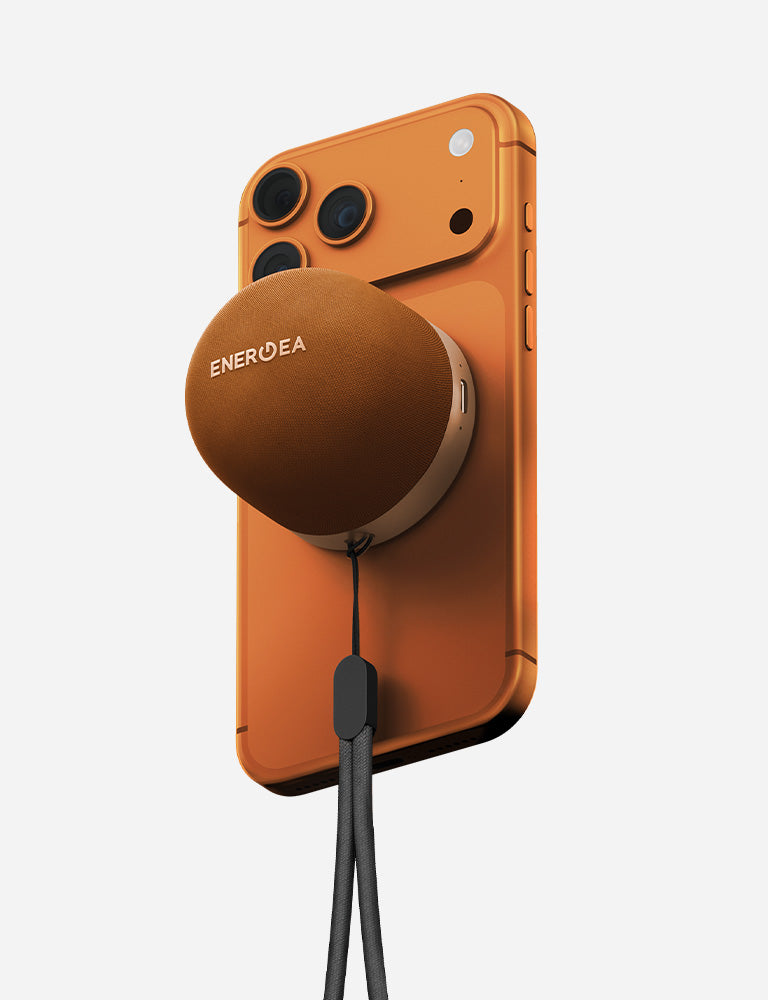
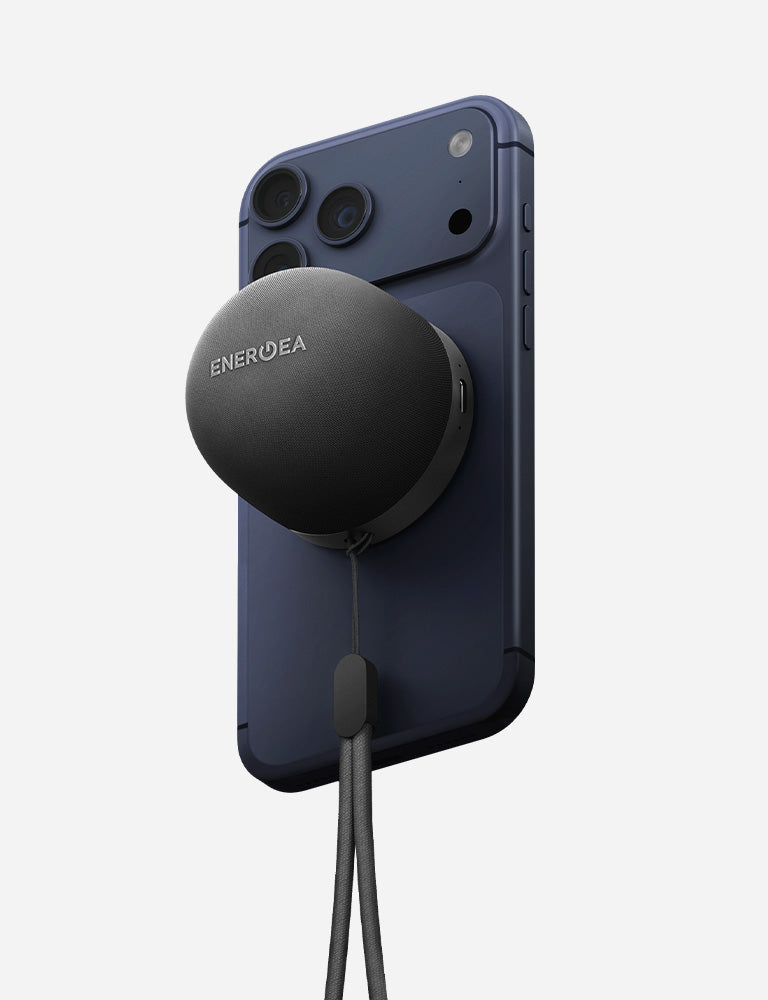
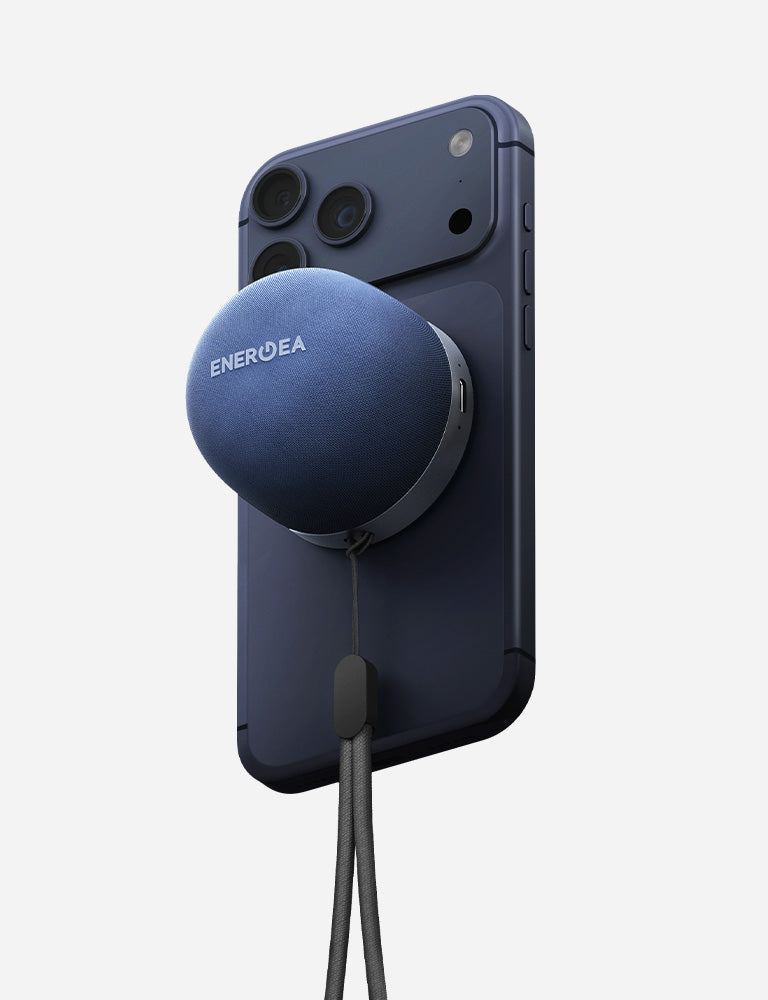
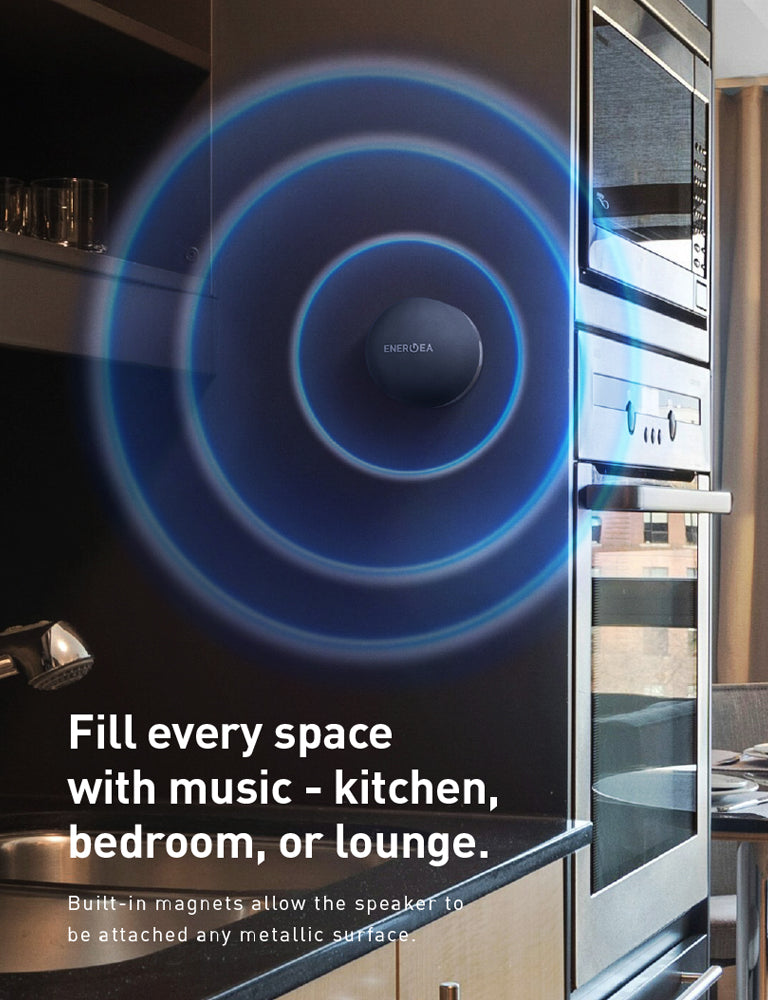
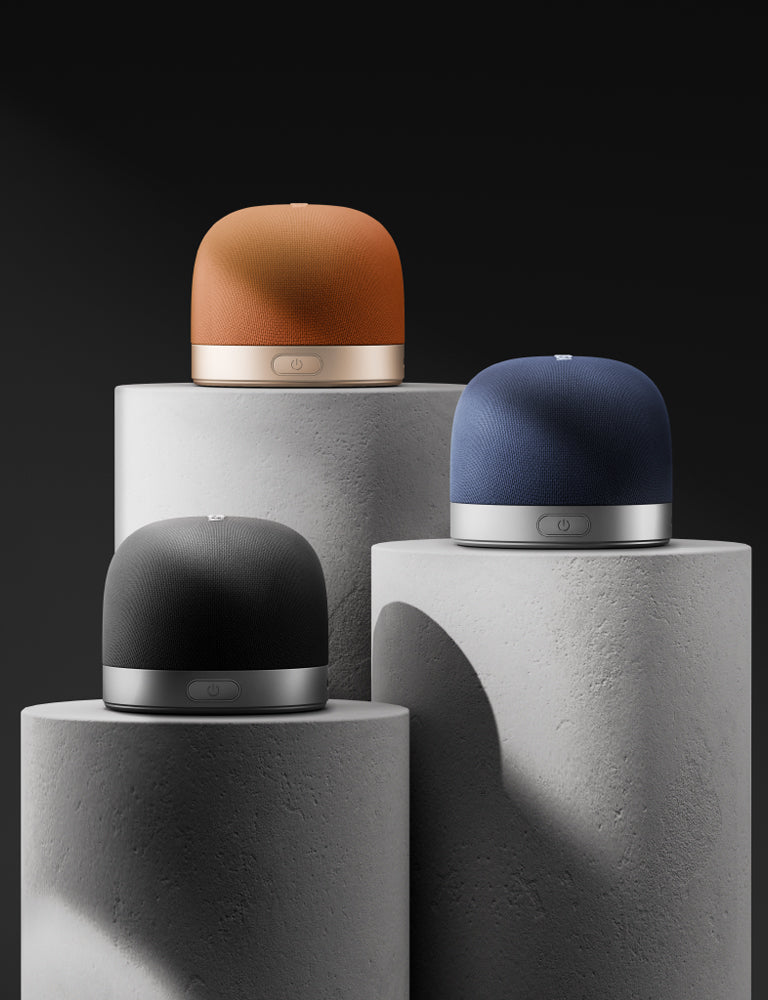


TAKE YOUR ENTERTAINMENT UP A NOTCH.
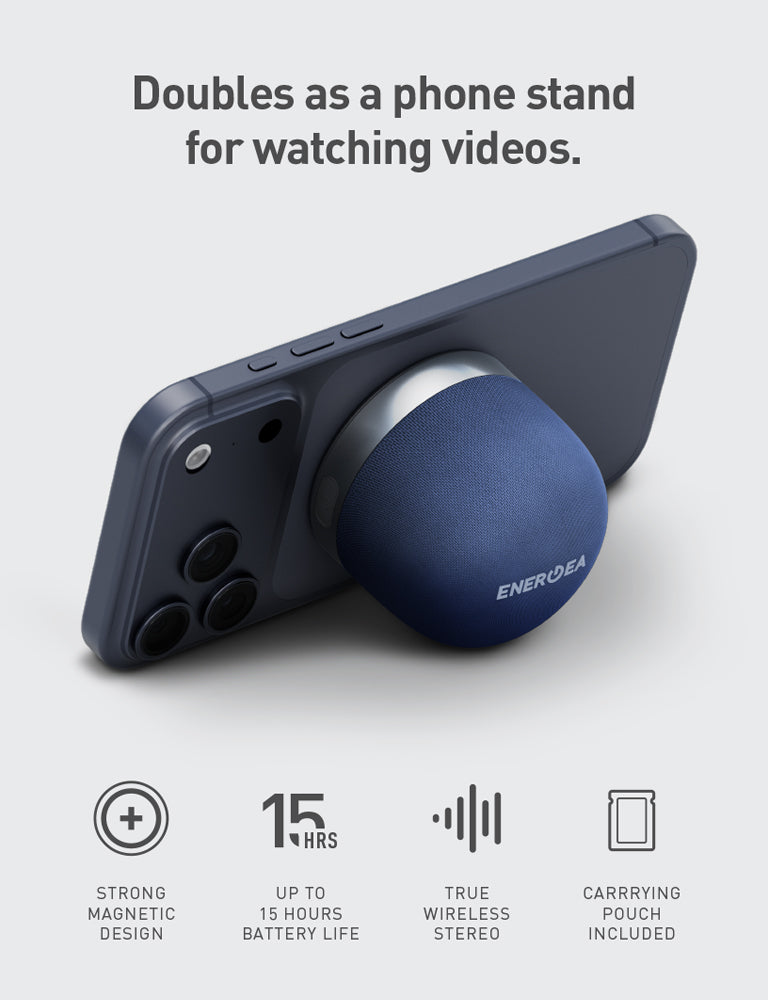
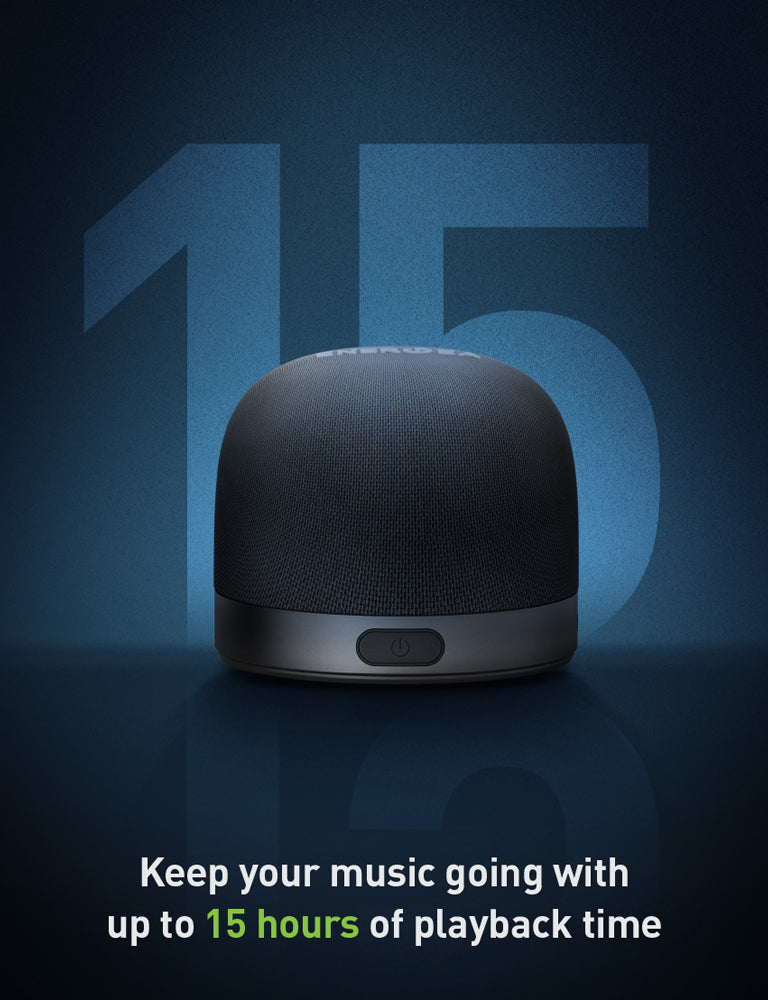
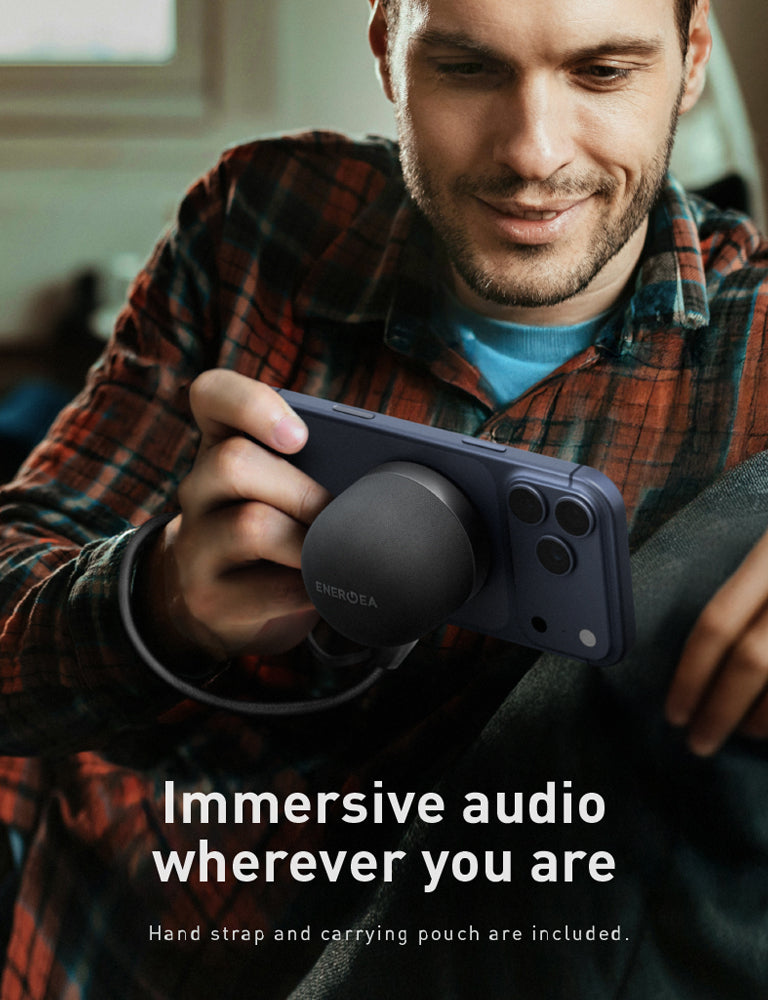
Keep the mood going with up to 15 hours of immersive sound from the MagAudio Go. Ultra-compact and always ready to party and chill every reunion at anytime, anywhere.
INCLUDED IN THE BOX
• MagAudio Go • User Guide • Warranty Card
SPECIFICATIONS
● Capacity: 550mAh
● Battery life: Up to 15 hours
● Comes with self-adhesive MagSafe ring
● Input: 5V/1A
● Speaker Output: 3W (Max)
● Dimension: 58 x 58 x 49mm
● Weight: 92g

FAQ
1. Which devices are compatible?
MagAudio Go works with:
MagSafe-compatible iPhones
Android phones with magnetic wireless charging or a magnetic phone case
Any Bluetooth-enabled smartphone, tablet, or laptop
A self-adhesive magnetic ring is included for devices without built-in magnetic compatibility.
2. How do I pair MagAudio Go with my phone?
Turn on MagAudio Go.
Enable Bluetooth on your phone.
Select "MagAudio Go" from the list of available Bluetooth devices.
Once connected, you're ready to enjoy your music wirelessly.
3. How long does the battery last?
MagAudio Go is powered by a 550mAh rechargeable battery, providing up to 15 hours of playback on a full charge, depending on volume level and usage.
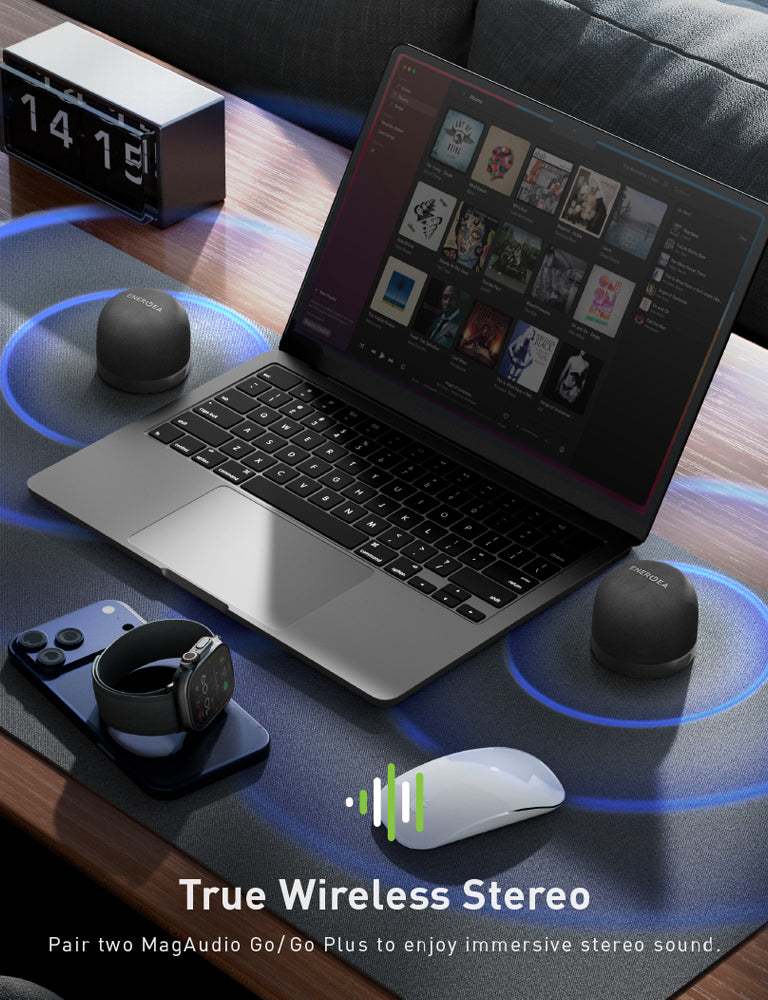
4. How do I pair two MagAudio Go speakers together (Stereo Pairing)?
To enjoy a wider, more immersive stereo sound experience, follow these steps:
Step 1: Turn on both MagAudio Go speakers.
Step 2: Double-press the power button on each speaker.
Step 3: A voice prompt will play, and the LED indicators will blink rapidly, indicating that stereo pairing mode is active.
Step 4: Wait a few moments until one speaker's LED remains solid, confirming the two speakers have successfully paired with each other.
Step 5: On your phone, open the Bluetooth settings and connect to "MagAudio Go."
Step 6: Once connected, the LED on both speakers will remain solid, and audio will play through both speakers in stereo mode.
Kindly read through the user guide for further guidance and product usage.