Skip to product information
1 of 5

CABLE

Flow Pulse USB-C to USB-C

Regular price
$15.90
Regular price
Sale price
$15.90
Shipping calculated at checkout.

240W Max Output 240W Max Output
LED Status Display LED Status Display
Premium Zinc Alloy Casing Premium Zinc Alloy Casing
Carplay Compatible Carplay Compatible
Description

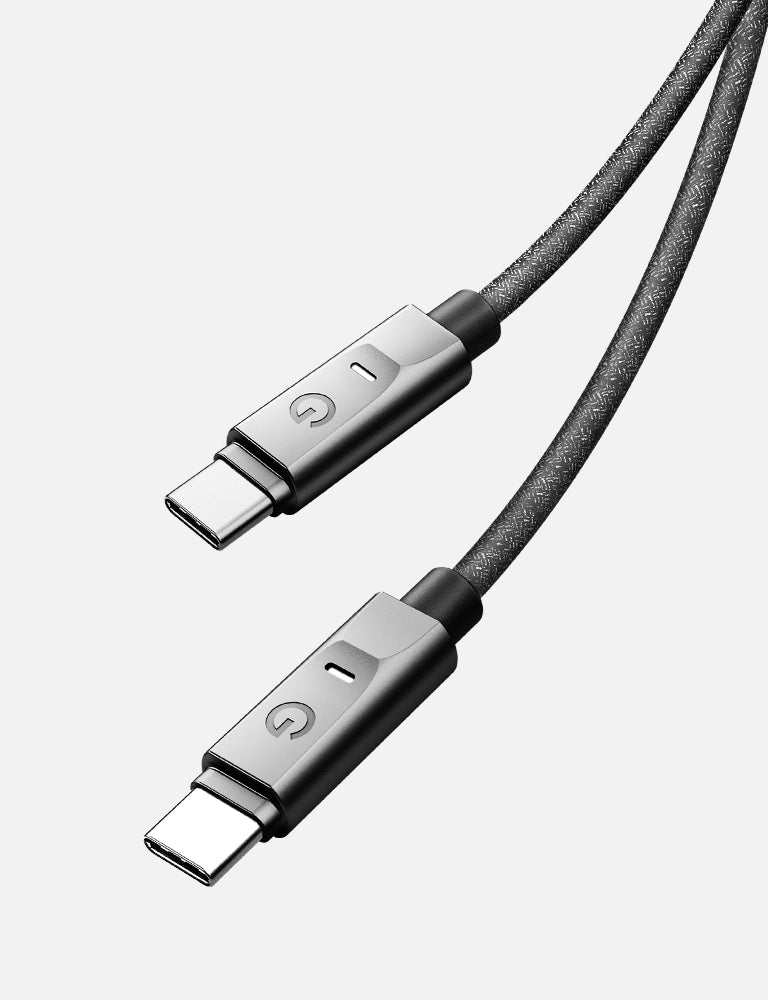
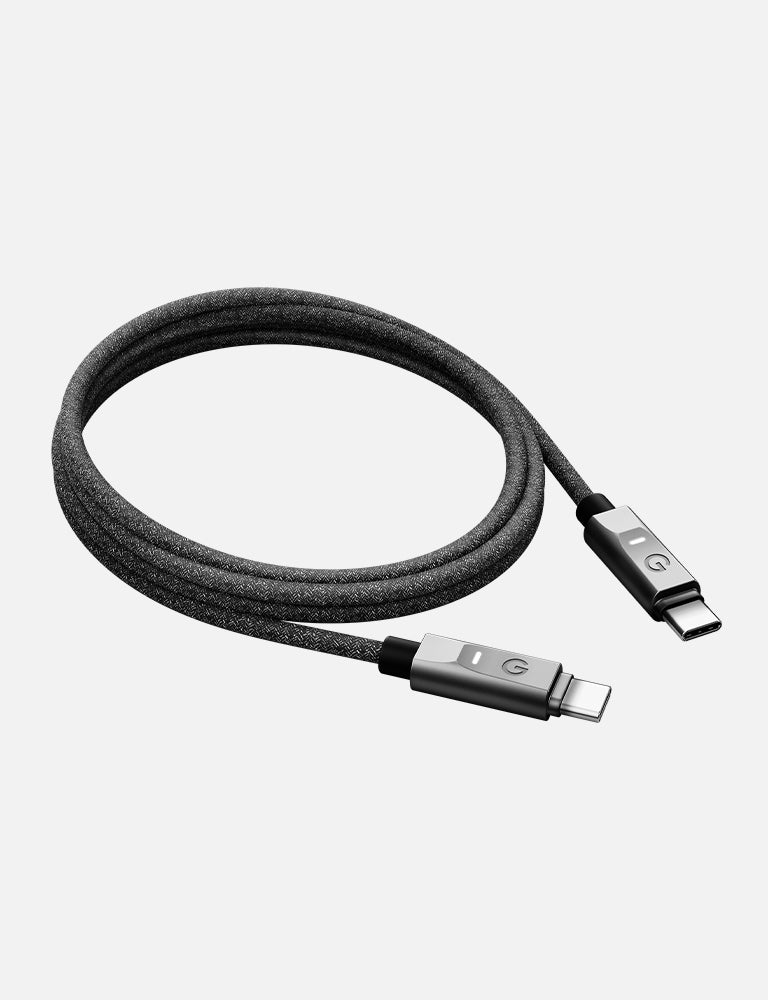
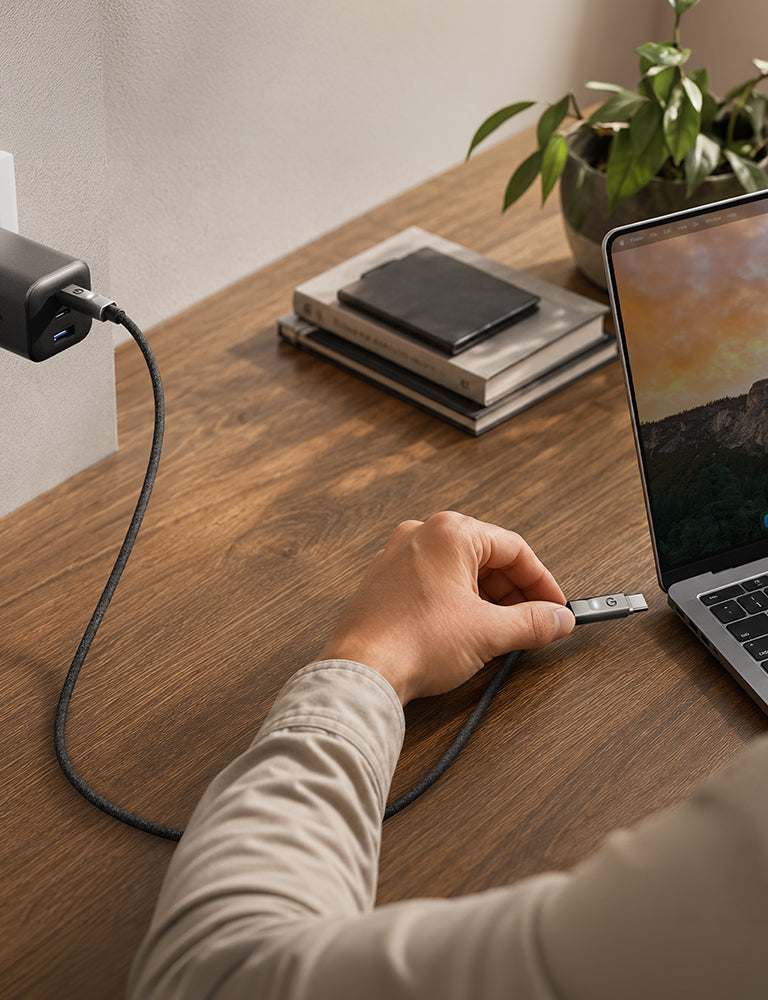
Never guess if your devices are charging. Flow Pulse is a 240W USB-C Cable features LED indicators that let you check charging status at a glance and easily find your cable in the dark, whether you're working late, charging overnight, or reaching for it in a dimly lit space. With premium zinc alloy casing, up to 480Mbps data transfer, and a reinforced design tested, Flow Pulse keeps your devices powered and connected with ease.

Technical Details

● Charge 16-inch MacBook Pro to 50% in 30 minutes
while supporting rapid charging for USB-C devices.
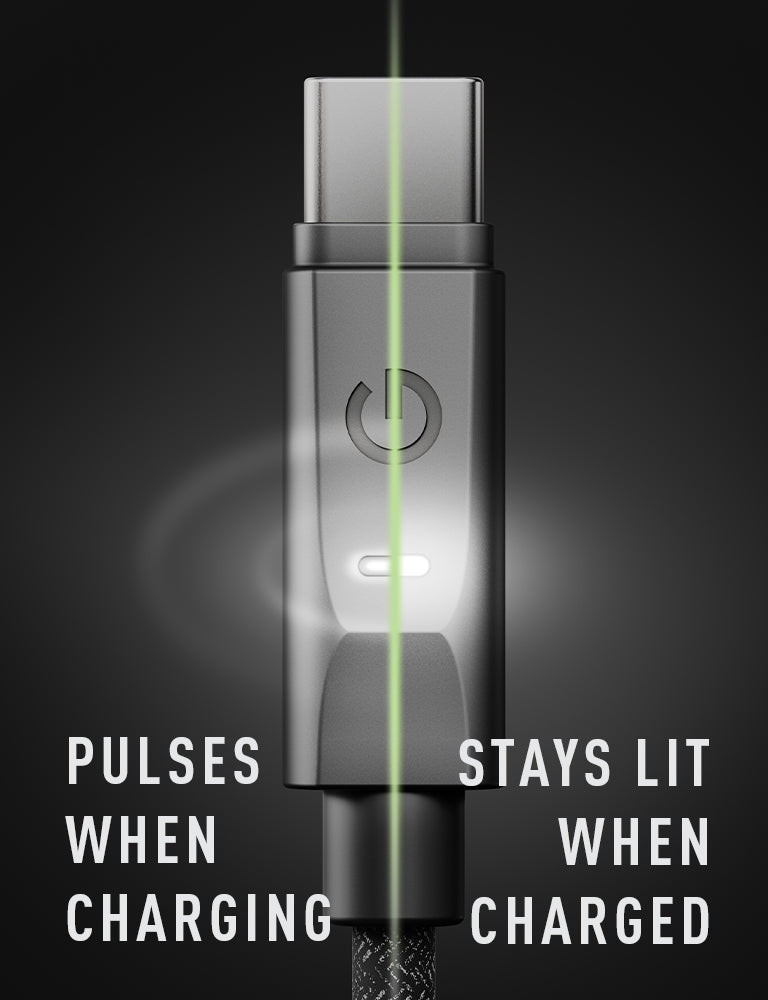
● LED indicators provide instant charging status visibility
and make the cable easy to locate in the dark.
● Zinc alloy casing resists rust and oxidation, ensuring
lasting durability with a sleek metallic finish.
● Data transfer speeds of up to 480Mbps, suitable for
syncing music, photos, and files quickly.
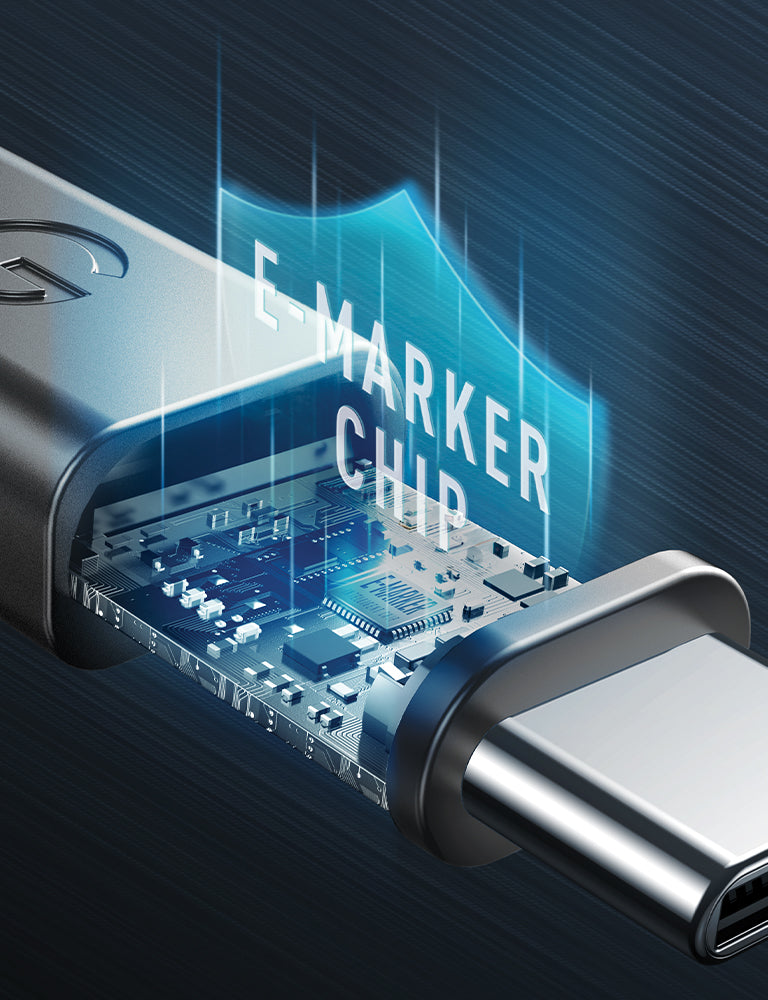
● Built-in intelligent eMarker chip allows safe 240W fast
charging.
● Improved SR design tested to endure 160,000 bends for
lasting durability.

Color: Gunmetal
Flow Pulse USB-C to USB-C

INCLUDED IN THE BOX

• Flow Pulse C-C • User Guide • Warranty Card

  • SPECIFICATIONS

    ● 240W max output
    ● USB2.0 480Mbps data transfer
    ● 1.5M cable length
    ● Cable organizer included
    ● Built-in eMarker chip
    ● Slim tip to fit most cases
    ● 2 years limited warranty

FAQ

1. What can the LED indicator do? 

The LED indicators provide instant visibility of charging status, so you can check whether your devices are charging without unplugging the cable. They also make FLOW PULSE easier to locate in dimly lit room or at night. 

2. How do the LED indicators work?

The LED indicators pulse while charging and stay steadily lit once your device is fully charged, letting you check charging status at a glance.

3. The LED indicator does not work 

Check that the cable is connected securely and that power is being supplied. Double check on the wall charger to see if there is any damages. 

After checking the power source, disconnect and reconnect the cable to see whether the indicator responds. If the issues persists across compatible devices and adapters, contact our customer support.