


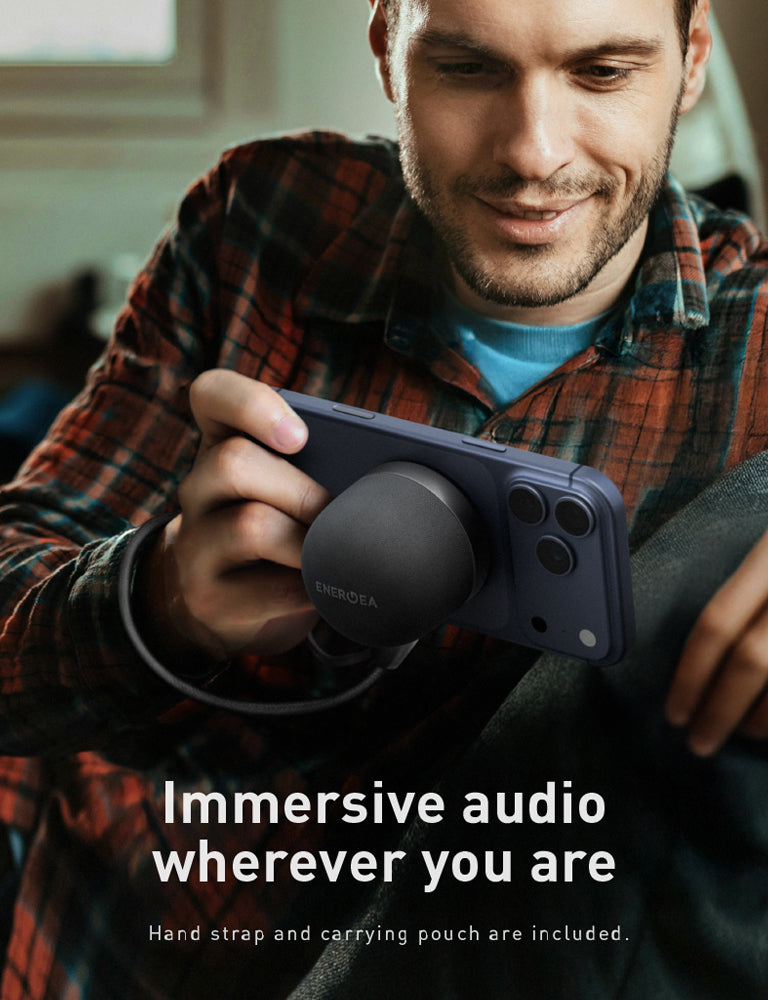


TAKE YOUR ENTERTAINMENT UP A NOTCH.
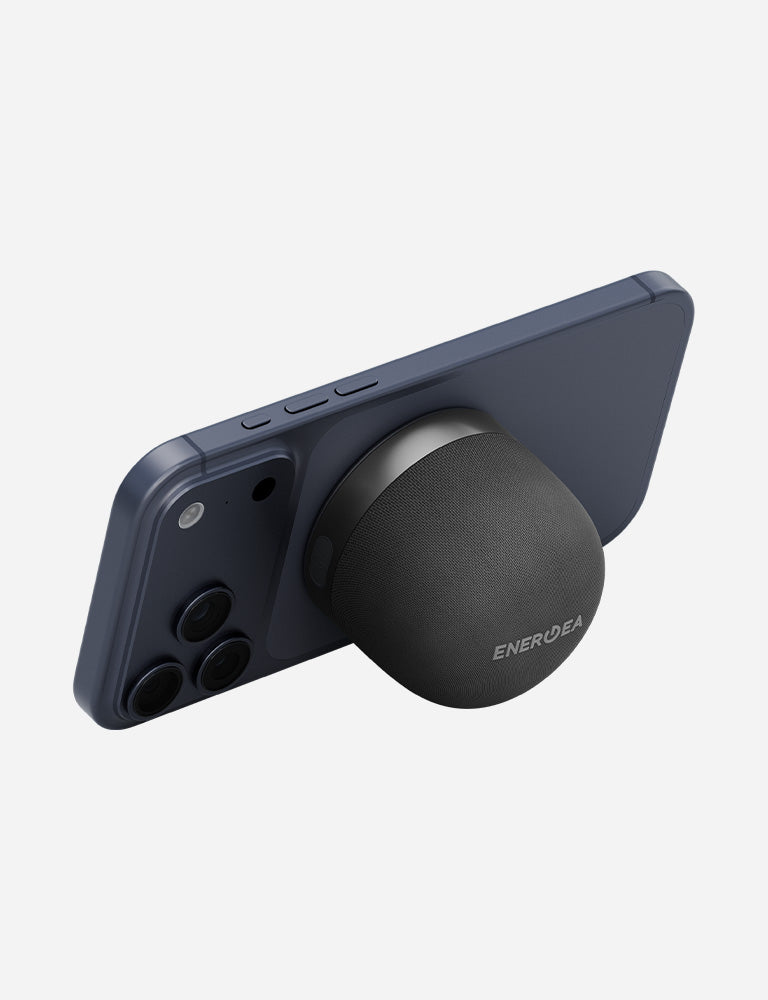
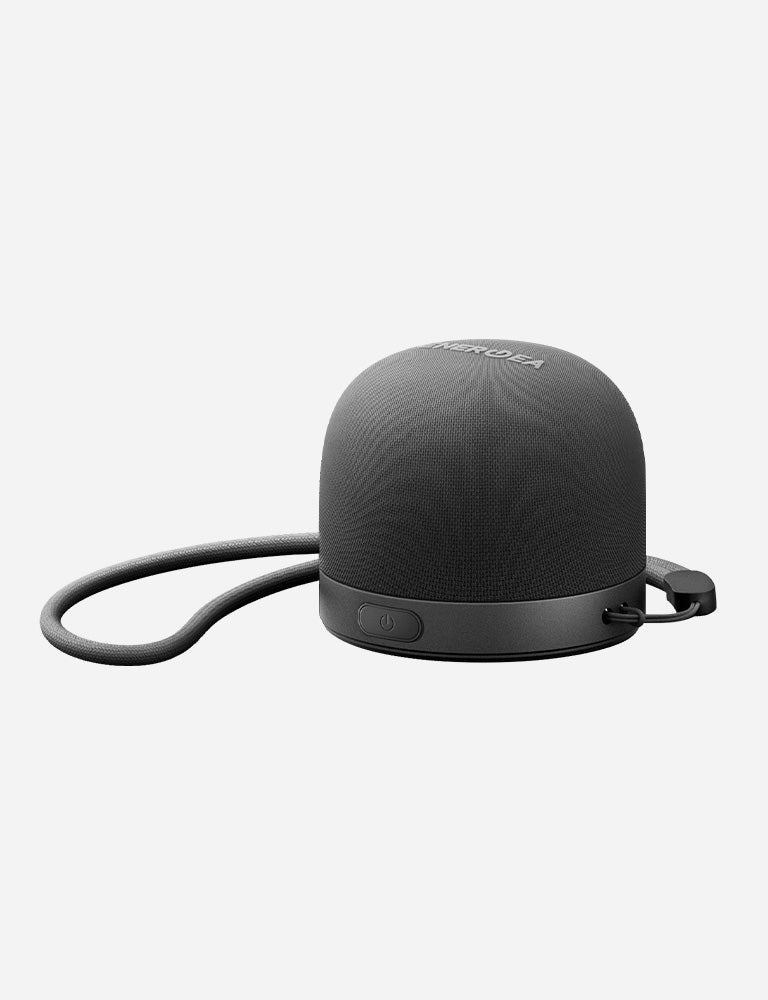
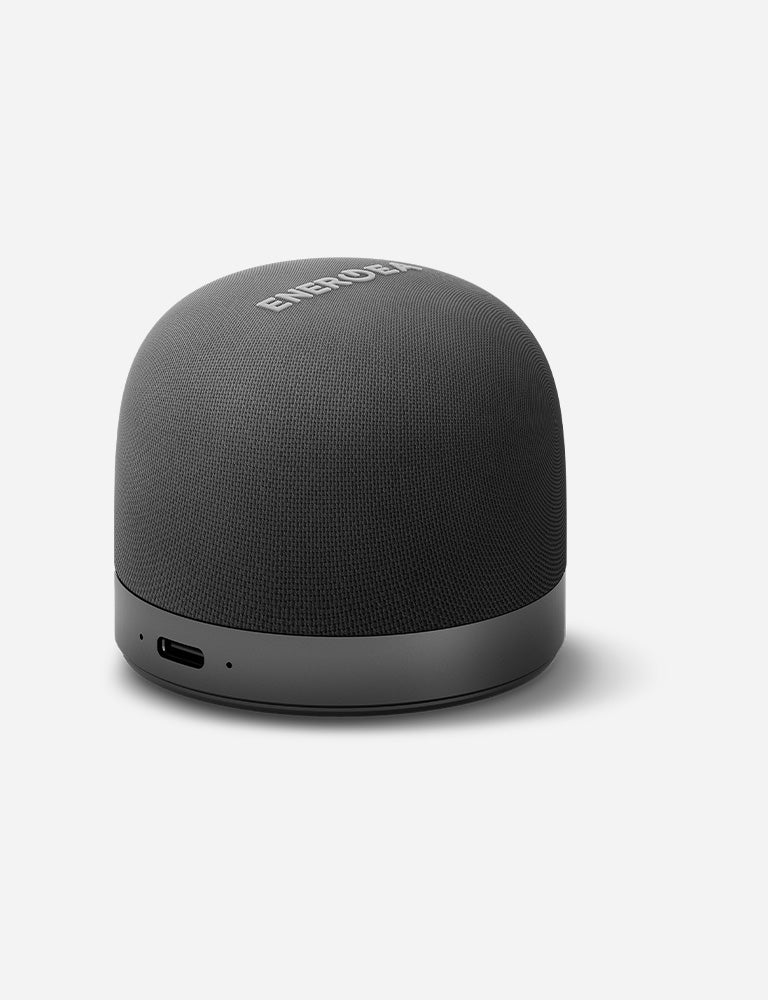
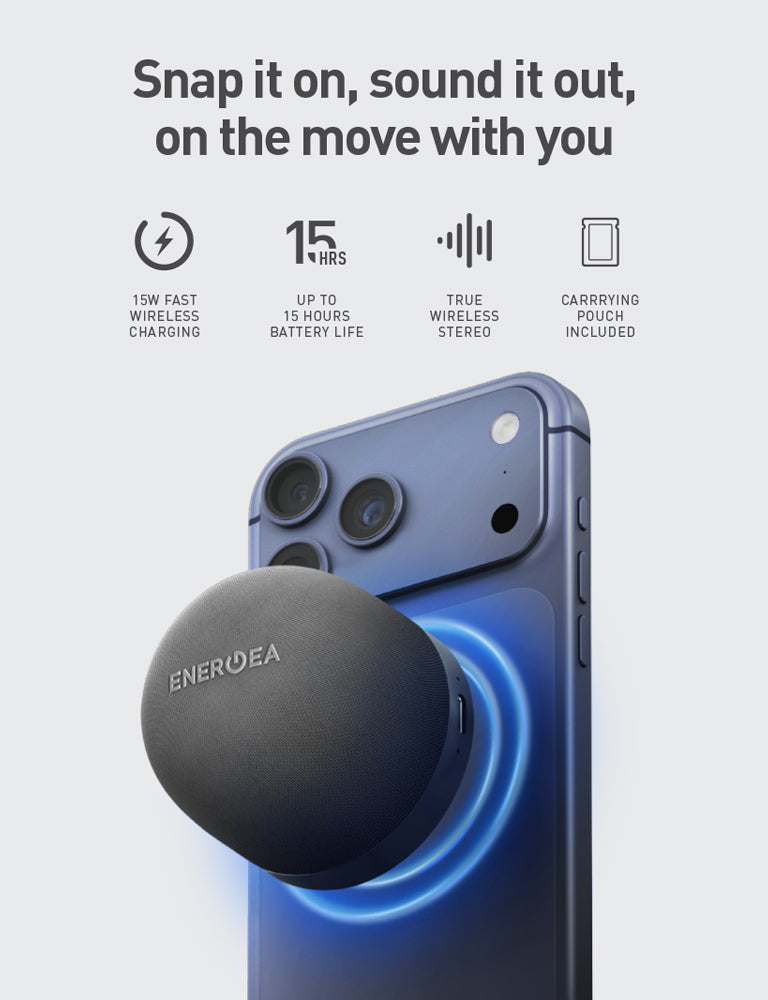
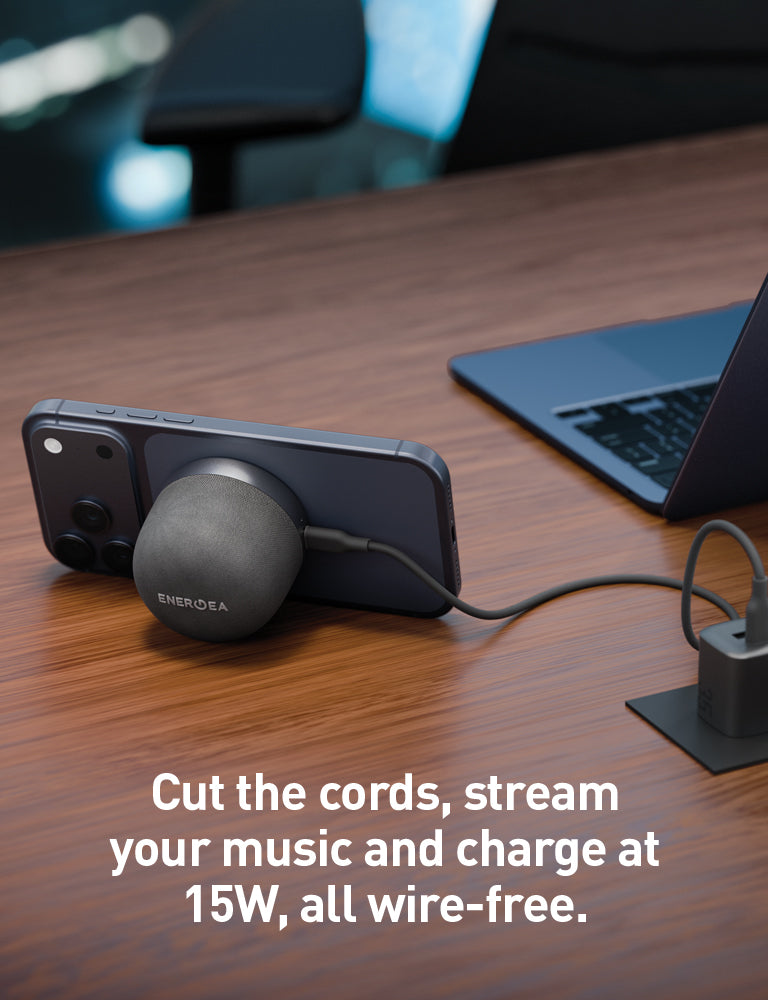
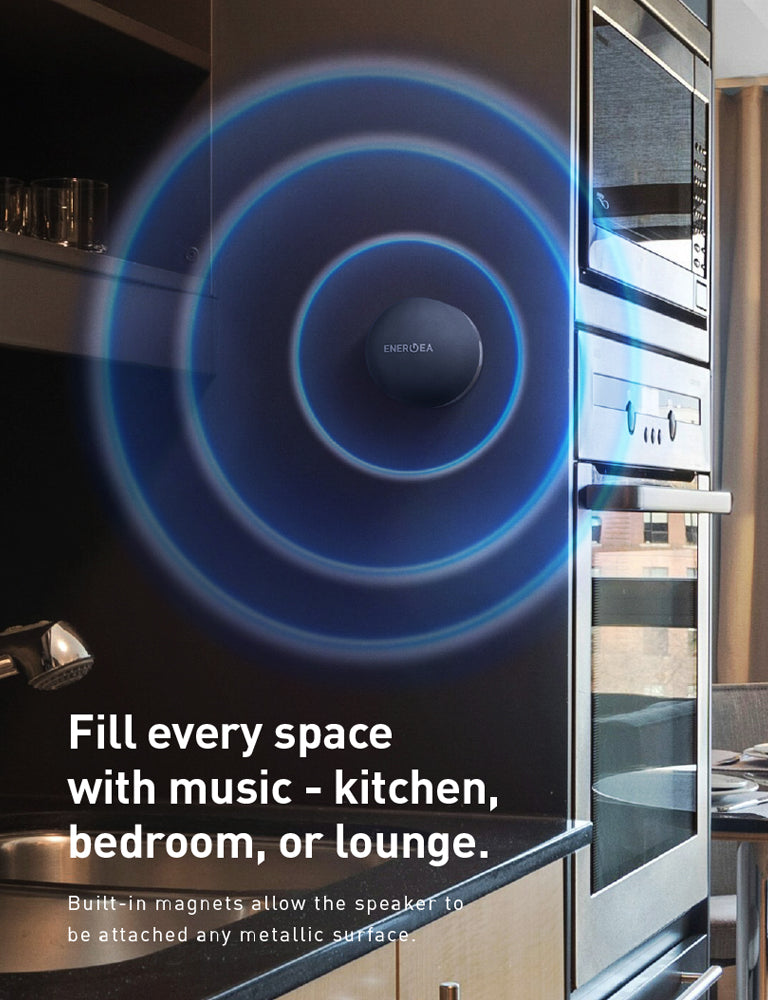
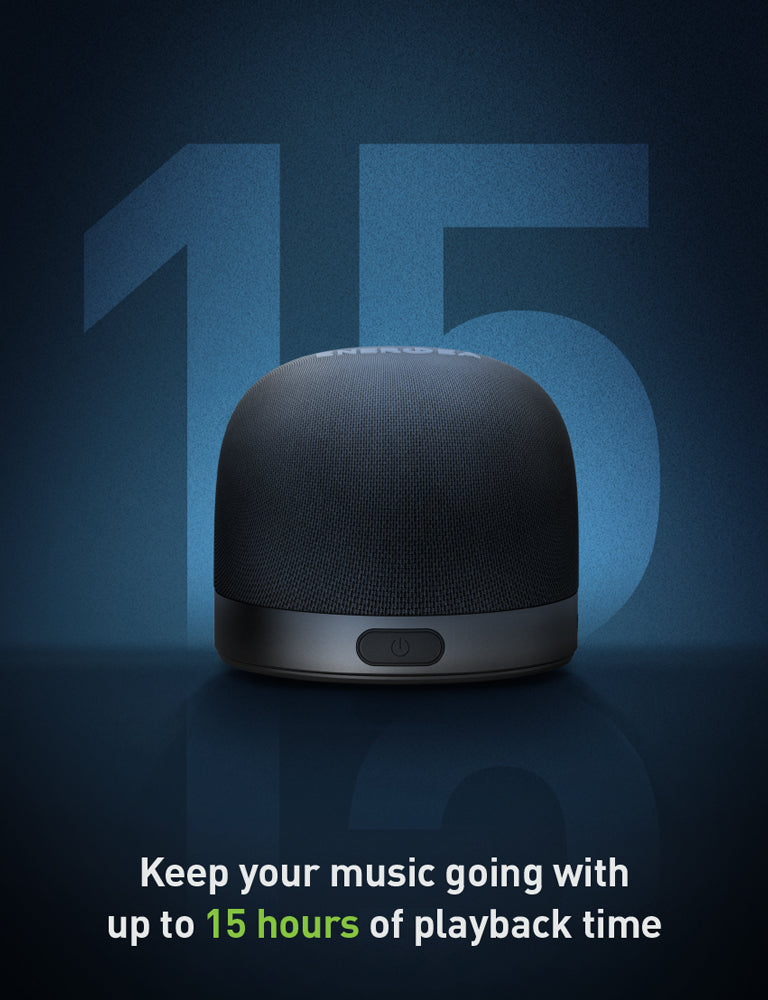
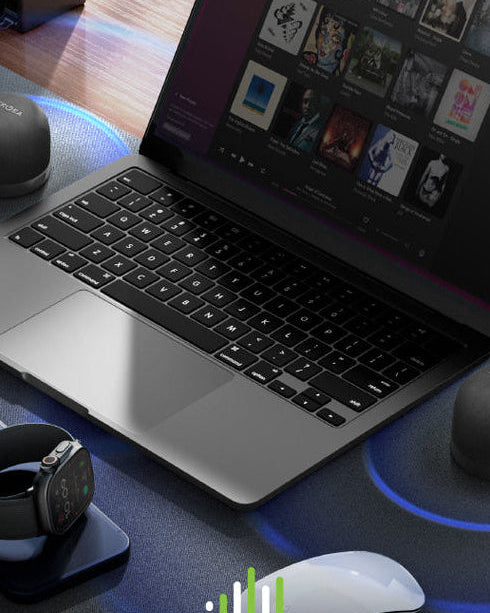
Keep the mood going with up to 15 hours of immersive sound from the MagAudio Go. Ultra-compact and always ready to party and chill every reunion at anytime, anywhere.
INCLUDED IN THE BOX
• MagAudio Go Plus • User Guide • Warranty Card
SPECIFICATIONS
● Capacity: 550mAh
● Battery life: Up to 15 hours
● Comes with self-adhesive MagSafe ring
● Input: 5V/1A; 9V/3A
● Speaker Output: 3W (Max)
● Wireless Output: 5W/7W/10W/15W
● Phone Frequency: 110kHz-205kHz
● Dimension: 58 x 58 x 49mm
● Weight: 102g

FAQ
1. What makes MagAudio Go Plus different from other portable speakers?
MagAudio Go Plus combines wireless charging, high-quality Bluetooth audio, and a built-in phone stand in one compact device. It's designed for music, videos, video calls, and entertainment wherever you go.
2. Which devices are compatible?
MagAudio Go Plus works with:
MagSafe-compatible iPhones
Android phones with magnetic cases or magnetic rings
Tablets, laptops, and other Bluetooth-enabled devices
A magnetic ring can be used for devices without built-in magnetic compatibility.
3. How do I pair MagAudio Go Plus with my phone?
Press and hold the Power button for 2 seconds to turn on the speaker.
On your smartphone, tablet, or laptop, enable Bluetooth.
Search for available devices and select "MagAudio Go+".
Once connected, you'll hear a confirmation prompt, and your speaker is ready to use.
If you've previously paired your device, MagAudio Go plus will automatically reconnect when Bluetooth is enabled and the speaker is powered on.
4. How do I pair two MagAudio Go Plus speakers together (Stereo Pairing)?
Step 1: Turn on both MagAudio Go+ speakers.
Step 2: Double-press the Power button on each speaker.
Step 3: The LED indicators will blink rapidly, indicating that Stereo Pairing mode has been activated.
Step 4: Wait a few moments for the two speakers to connect automatically.
Step 5: Once paired, one speaker's LED will remain solid blue, while the other continues blinking.
Step 6: On your phone, enable Bluetooth and connect to "MagAudio Go+".
Step 7: Once connected, audio will play through both speakers in stereo mode for a wider, more immersive listening experience.
Kindly read through the user guide for further guidance and product usage.